
EasyWALL

The CAD/CAM Software for Wood Walls and Panels

EasyWALL is DDX’s CAD/CAM software for designing, cutting and machining wood walls and panels. Designed to integrate easily into your workflow, EasyWALL adapts to your machinery thanks to its compatibility with the leading CNC machining centres.

The CAD/CAM Software for Wood Walls and Panels

EasyWALL: The Software for CNC Machining of Wood Walls and Panels

BTL Import

Standard and Special Machining

Nesting

Frame Management

3-, 4-, and 5-Axis Interpolation

3D Simulation and Collision Detection
Cut Production Times for Your Wood Walls and Panels

Design, cut and manufacture your wood walls and panels while simplifying every stage of the process. EasyWALL is designed to make your workflow leaner and deliver scalable results on any CNC machining centre.

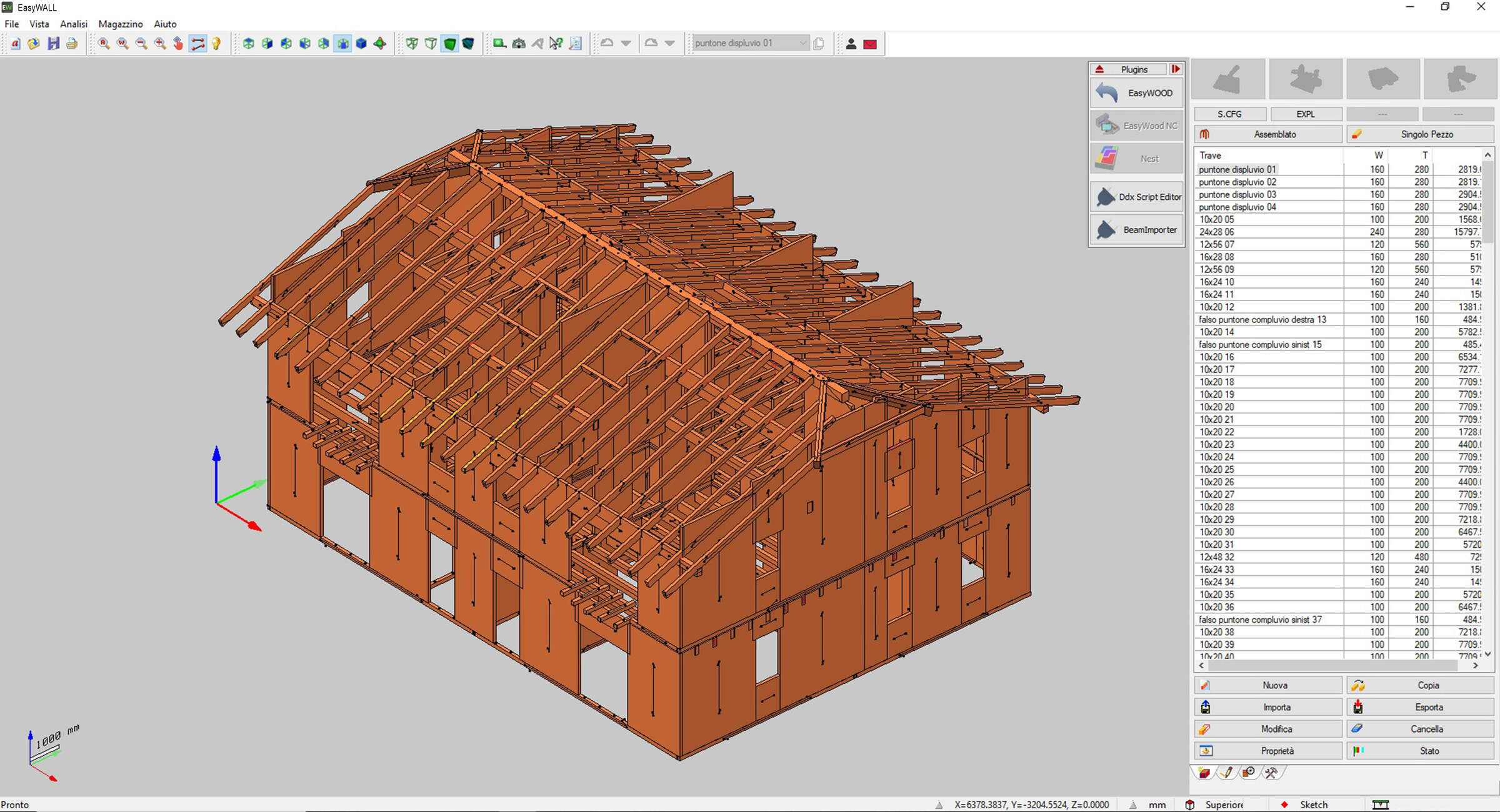
ddx-software-solutions-cad-cam-easywall-home-screen

Made With EasyWALL

An Optimized Production Cycle for Wood Walls and Panels
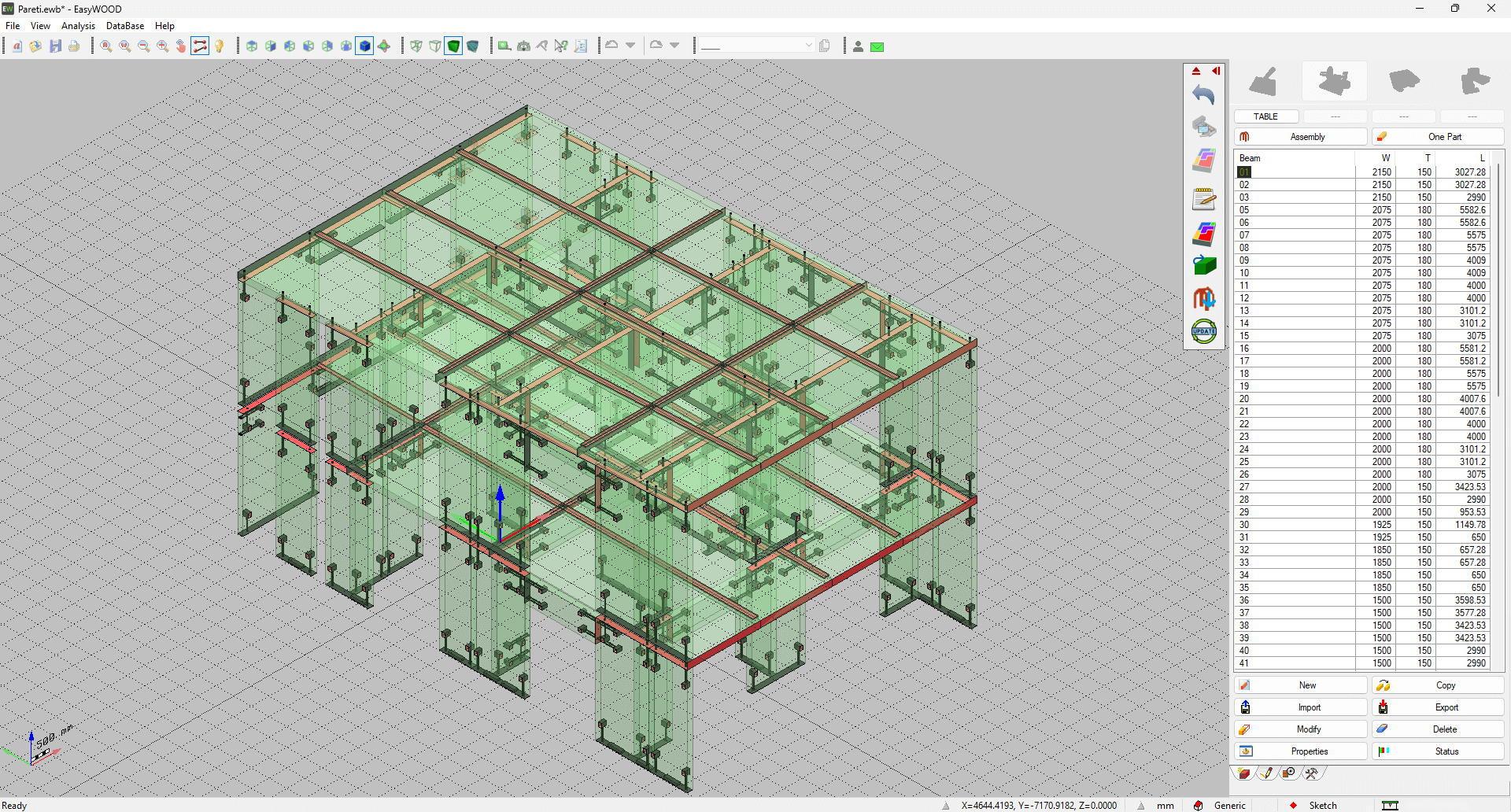
BTL, BTLx and EWX Import

With EasyWALL you can import BTL, BTLX and EWX files directly. Projects are acquired automatically, cutting preparation times, and you can make any changes manually and refine your projects in just a few clicks.
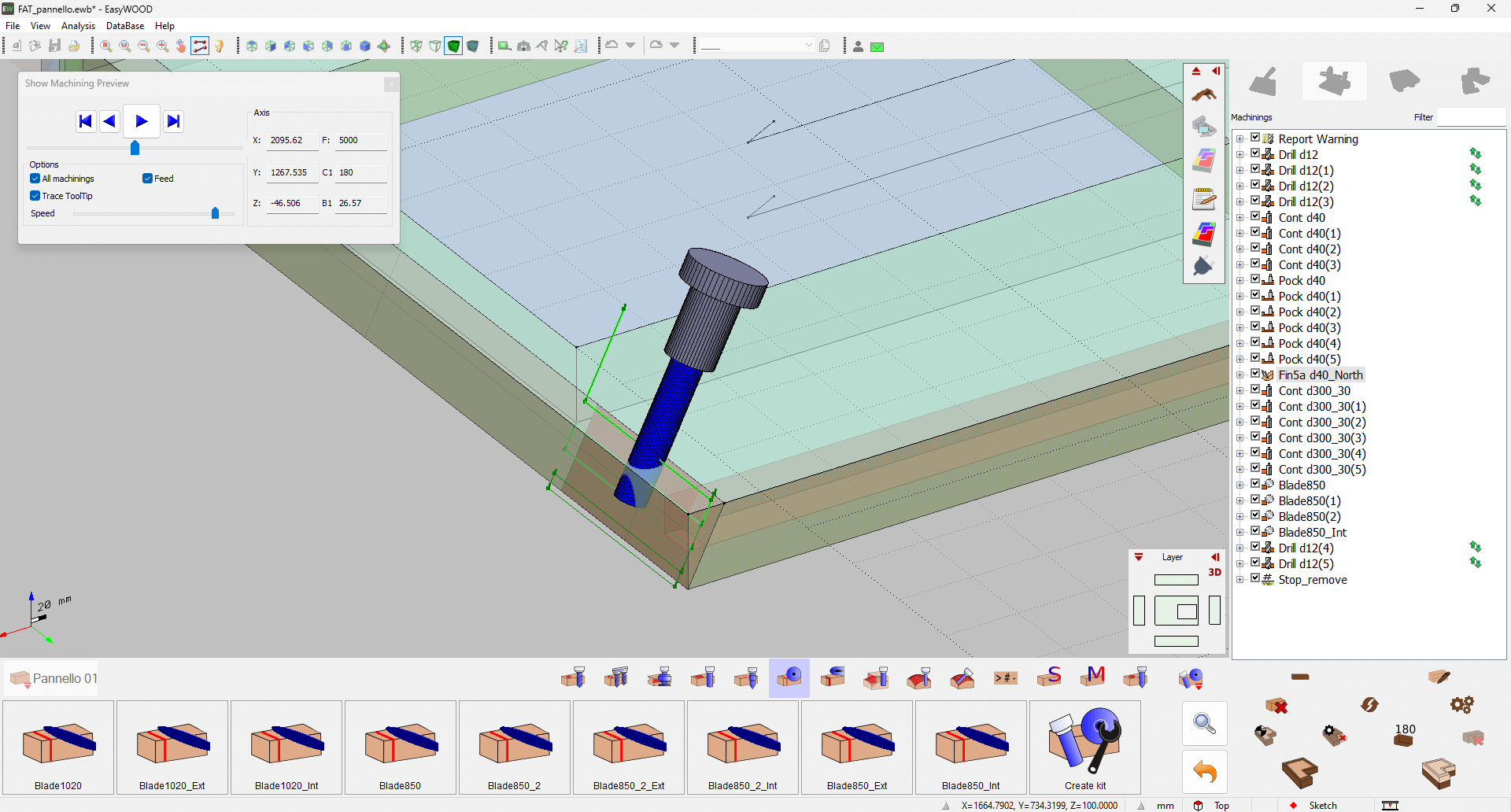
Automatic Calculations

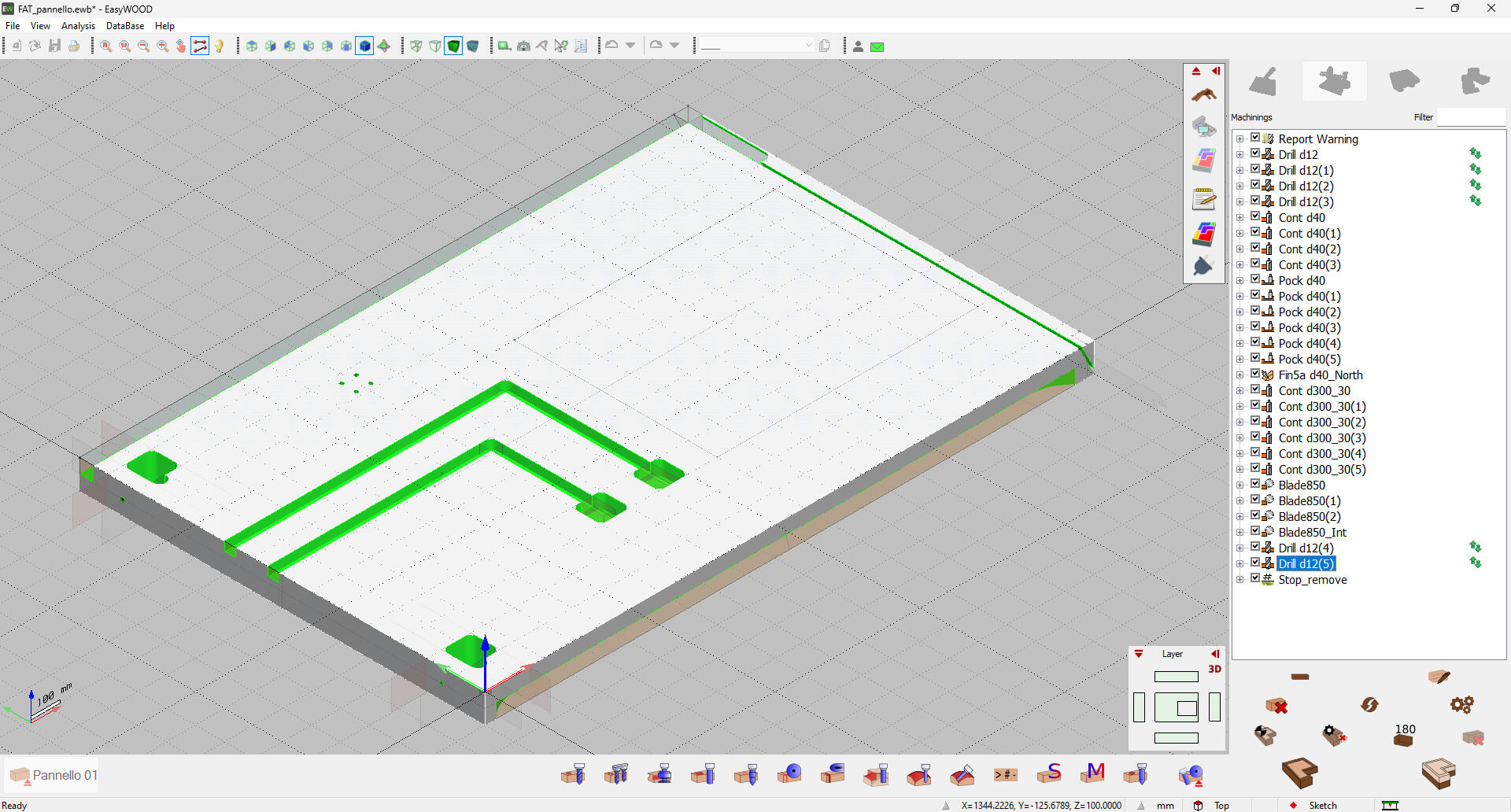
EasyWALL processes wood walls and panels by applying machining operations automatically. With our CAD/CAM software you can carry out an additional manual review to ensure the high quality standards of your products.
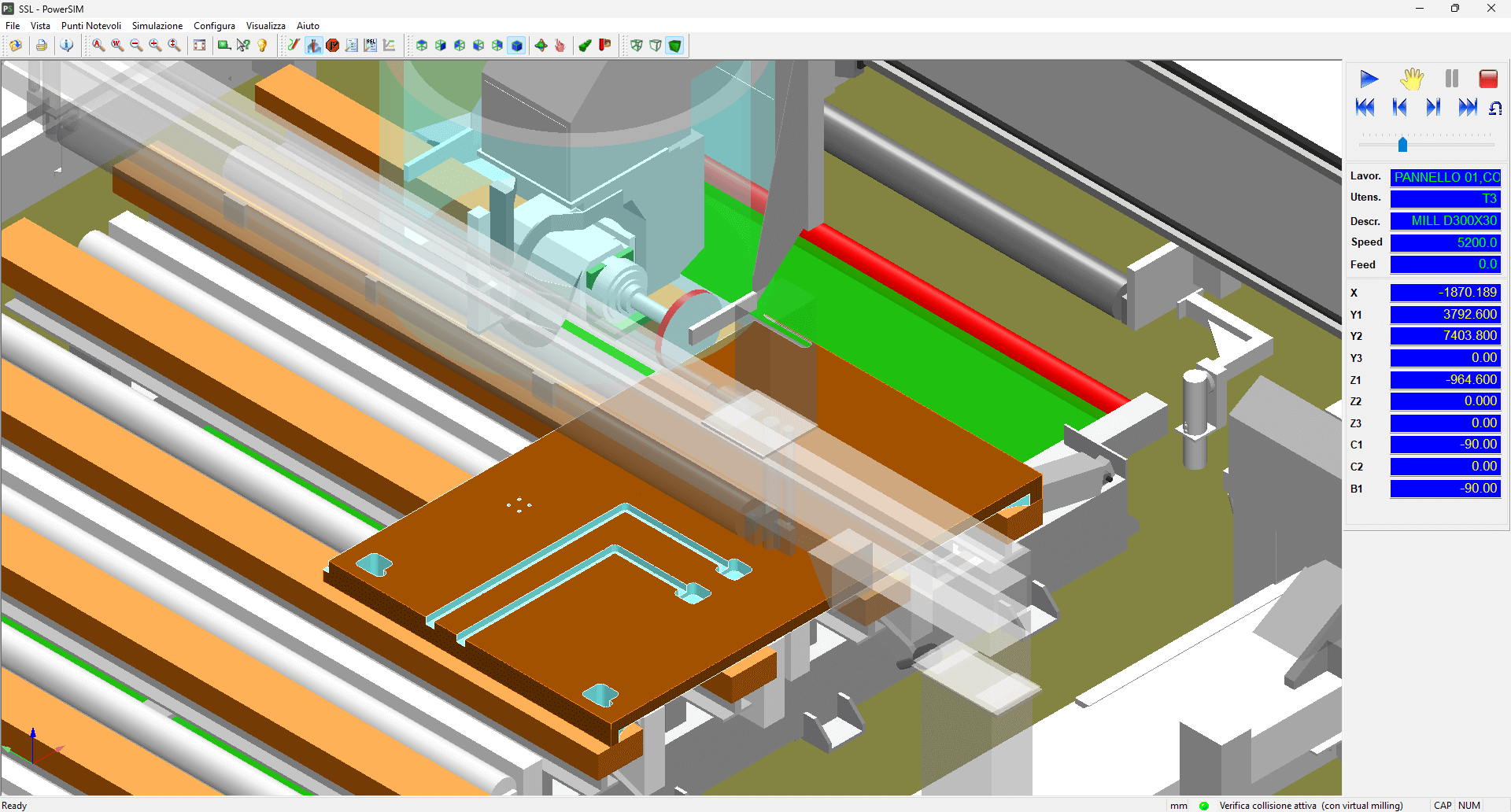
3D Simulation with EasyWALL

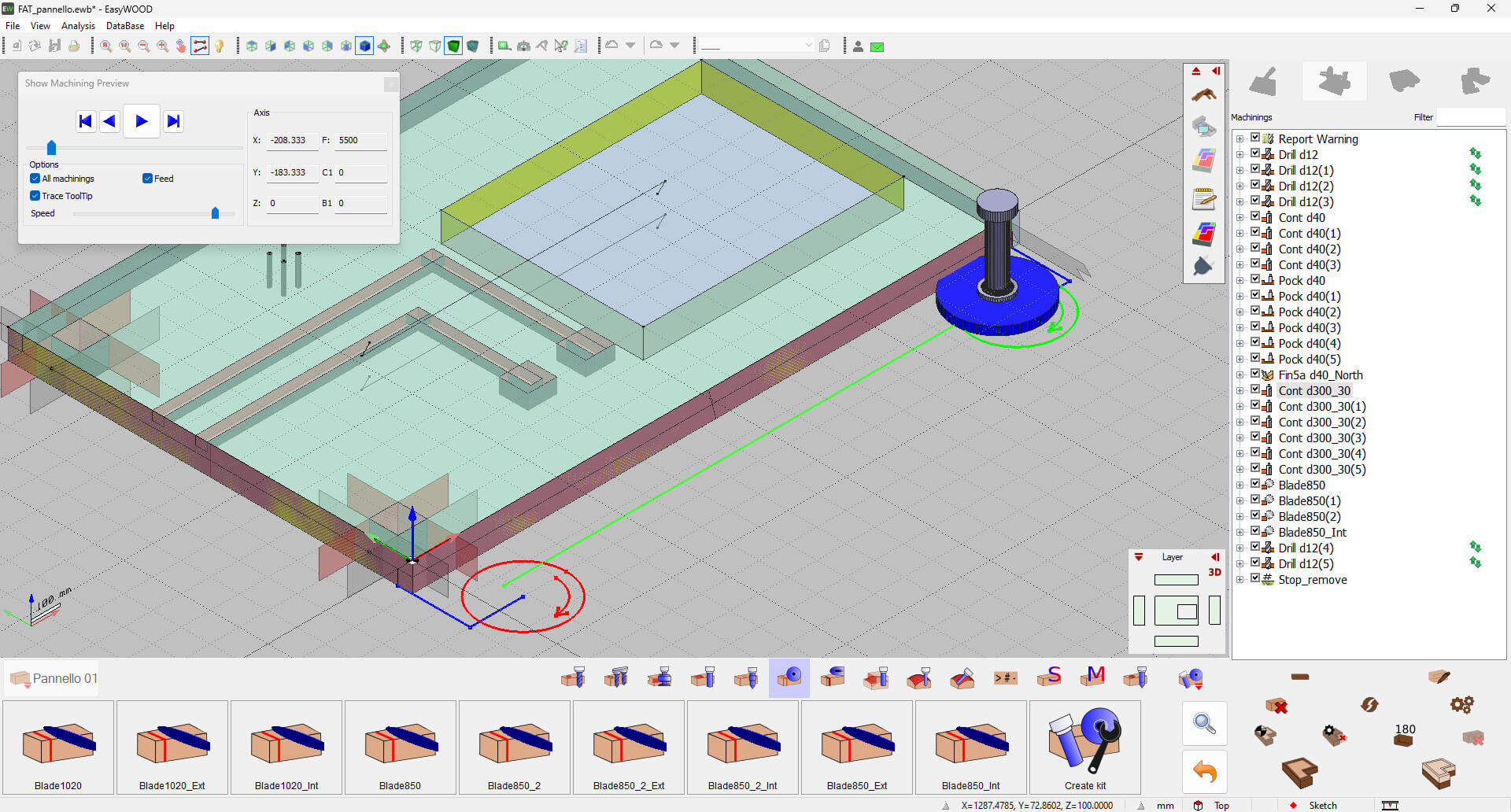
EasyWALL lets you simulate every type of machining operation thanks to a powerful 3D engine. This way, you can optimize toolpaths for the production of wood walls and panels.
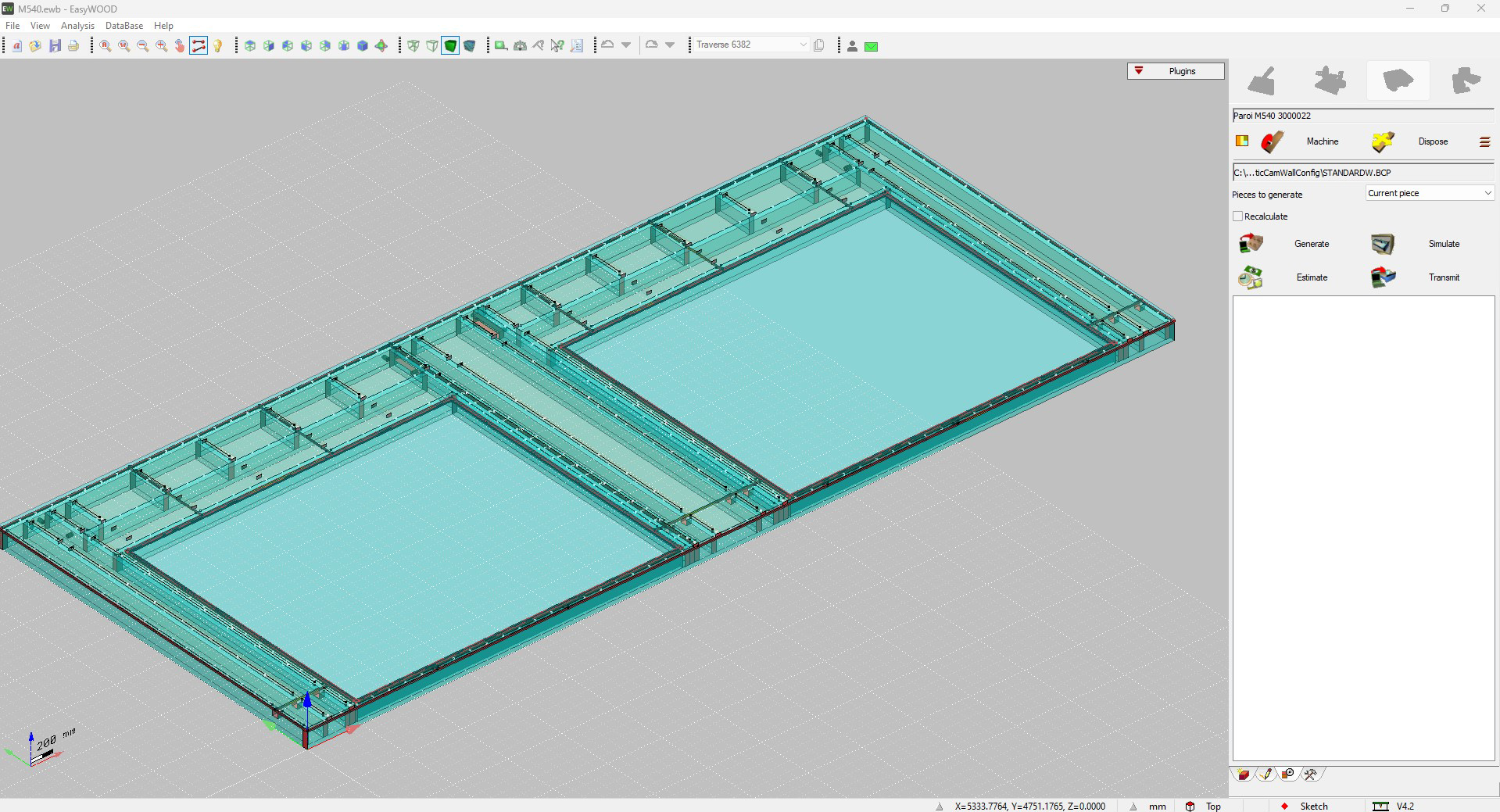
Frame Management

With EasyWALL you can create a load-bearing structure for multi-layer walls to complete your wood house project. Move from the single element to the assembly stage in just a few clicks.
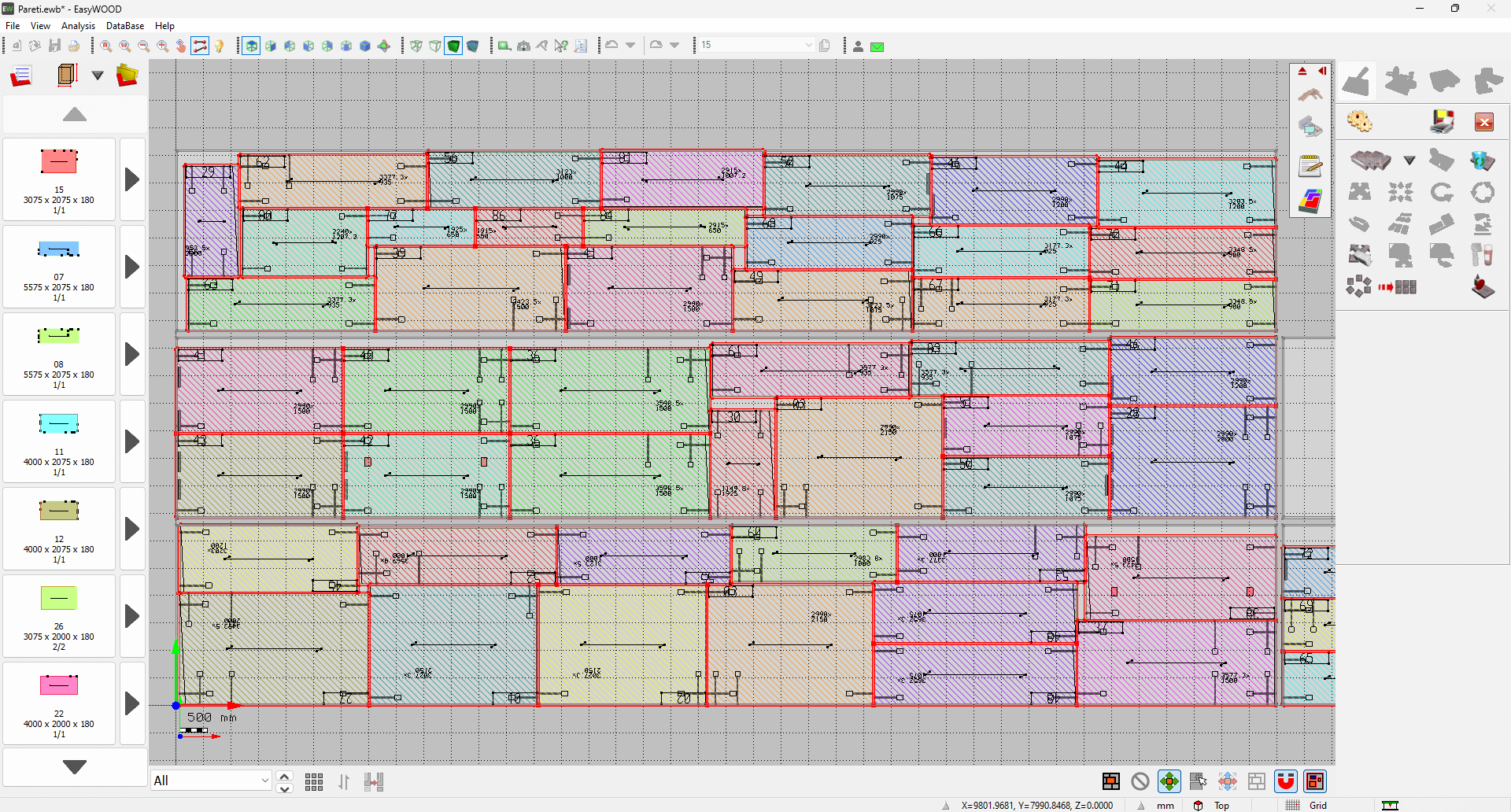
Nesting for Wood Walls and Panels

Save time and reduce waste with the Nesting module. With the automatic offcut recovery feature, even <leftover material is managed efficiently.
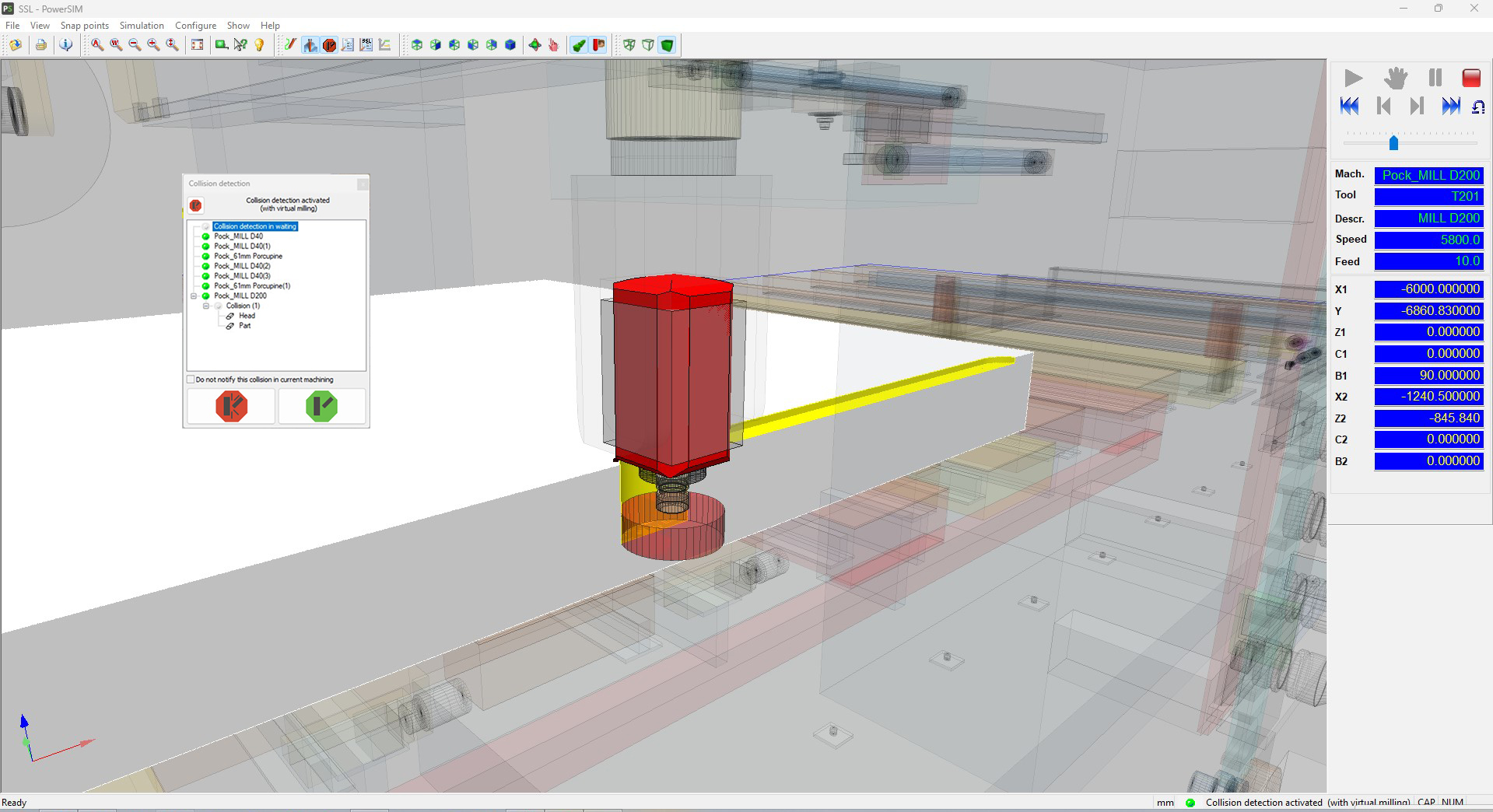
3D Collision Control in EasyWALL

Work in complete safety on your CNC machine thanks to the “3D Collision Control” feature. With EasyWALL you can view a 3D model of your machining centre and verify that there are no collisions between any of the simulated mechanical components.

Want to find out how our CAD/CAM software for designing and manufacturing wood walls and panels can support your production?

Screenshots from EasyWALL

ddx-easywall-preview-project-processing
ddx-easywall-home-project
ddx-easywall-virtual-milling

Add DDX plugins to EasyWALL

icon-nesting

Nesting

Reduce production time and cut costs with Nesting. Optimize the layout of parts on the workspace sheet and save material.

icon-easywood icon-easywall icon-easystone icon-easybeam icon-xdesignpro icon-xcam icon-easyglass icon-powerstairs icon-easystone-nc
icon-powersim

PowerSIM

Simulate operations and visualize your CNC machine. With the "Collision Control" module, avoid potential collisions between tools or parts of your machine.

icon-easywood icon-easywall icon-easybeam icon-xcam icon-easyglass icon-powerstairs icon-easystone icon-powerwin icon-easystone-nc icon-easyjet
icon-xfactory-plugin

XFactory

Monitor, track, document, and control the production process of your products with XFactory. Increase your plant's profitability with a dynamic and comprehensive MES.

icon-easywood icon-xcam icon-xdesignpro icon-easystone icon-easybeam icon-easywall icon-easyglass icon-powerstairs icon-easyjet icon-easystone-nc
icon-automatic-cam

Automatic CAM

Automatically apply operations to your project based on specific rules and automate the data processing (DXF files).

icon-easywood icon-xcam icon-xdesignpro icon-easystone icon-easybeam icon-easywall icon-powerwin icon-powerstairs icon-easyjet icon-easystone-nc
icon-automatica-disposition

Automatic Disposition

Automate tool setup calculation and improve the workpiece holding on the machine by optimizing the size and positioning of the suction cups, while avoiding through operations.

icon-easywood icon-easywall icon-easystone icon-easybeam icon-xdesignpro icon-xcam icon-easyglass icon-easystone-nc
icon-xlabel

XLabel

Customize and create your labels with XLabel. Print them directly from a tablet or from your CNC machine PC to ensure precise tracking of all your parts.

icon-easywood icon-easywall icon-easystone icon-easybeam icon-xdesignpro icon-xcam icon-easyglass icon-powerstairs icon-easyjet icon-easystone-nc

Machining centres compatible with EasyWALL

Related CAD/CAM software for woodworking

Loading...
Loading...
Loading...
Loading...
Loading...
Loading...
Peripherals Minumum Requirements Recommended Requirements
Mouse Required Required
Monitor 17" with 1280x1024resolution 17" with 1920x1080 Full HD resolution
Processor INTEL® Core™ I3 (or equivalent) 32 bit or 64 bit INTEL® Core™ I7
Operating System Microsoft® Windows® 10 (limited support for Windows 7 SP1 and Windows 8) Microsoft® Windows® 11 (64 bit)
RAM 2 GB 8 GB or superior
Graphics Card OpenGl® compatible ( Intel®, NVIDIA® GeForce®, AMD Radeon™) NVIDIA® GeForce® serie GTX or AMD Radeon™ serie RX
Hard Disk Space 40 GB available - 7200 RPM 40 GB available on SSD
Internet Connection Required for Cloud-based license management Required for Cloud-based license management

Tell us about your production setup and find out how to optimise your workflow with EasyWALL.

Do you need more information?

Would you like to receive further details about our software solutions?

Do you need more information?

E-mail

Support request

Technical support ticket
Contact Form

Go to Top